
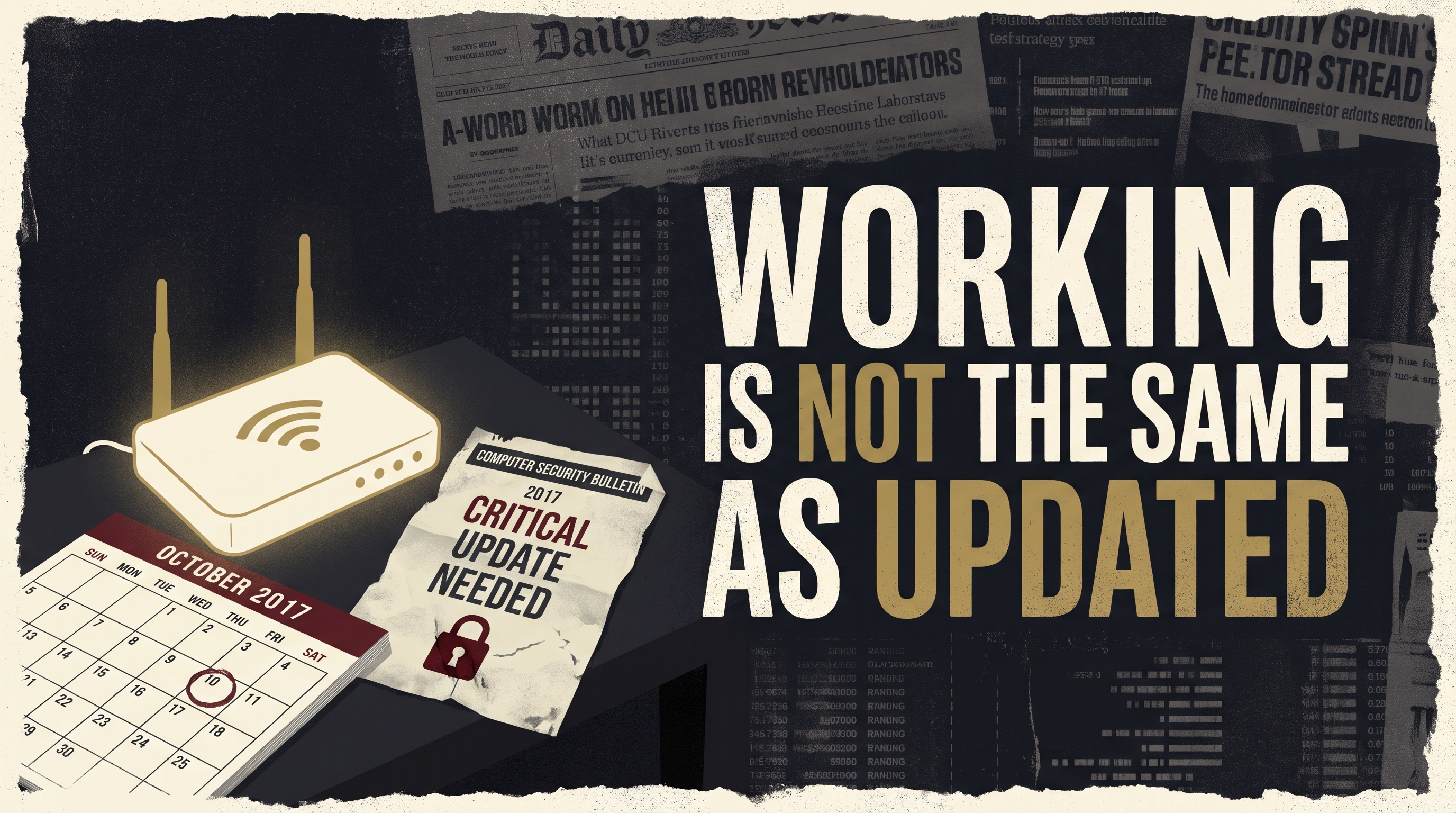
Your Daily Install connects what’s happening now with a useful pattern from the past—and one simple step you can take today to make your household more resilient.
Print the action worksheet below, fill it in, and add it to your Household Resilience Network binder.
What’s happening now?
The TV streams. The phone connects. The little box on the shelf looks fine. When did anyone last check whether it still gets security fixes?
October’s Cybersecurity Awareness Month ends this week. Software updates are one of its basic habits. That includes the router—the box that helps connect your home to the internet—not just the phone in your hand.
Today, find out whether the maker still supports yours. “It turns on” and “it gets security fixes” answer different questions.
Has this happened before?
On May 12, 2017, WannaCry ransomware spread between vulnerable Windows computers. It locked files and disrupted work around the world.
There was a bitter detail: Microsoft had released a fix for the weakness on March 14, nearly two months earlier. Some affected computers had not received it.
A computer could still start, open programs and appear useful. That did not mean the known opening had been closed. The gap between a fix being available and a fix being installed became costly.
The attack involved Windows computers, not the home-router check we are doing today. The useful comparison is the missing maintenance step.
What happened next?
Companies issued guidance and pushed updates while organizations worked to recover. A late fix could close the weakness; it could not give every household or business back the time already lost.
A tool can work and still be missing an important fix. Find the model. Check the maker’s support page. Learn whether updates still arrive. That turns a box you rarely think about into one clear upkeep task.
Back in bed. Up again an hour later?
You want a stretch of sleep without another trip down the hall. So why does this prostate-support video open with astronauts? Watch the unusual connection behind Prostadine.
Tap Here to Watch the Astronaut Connection →What can I do?
Give the router 10 minutes. Read its model label without disturbing cables or vents. Keep any printed Wi-Fi password private. If the router belongs to your internet provider, ask the provider how updates and replacement are handled.
For your own router, use the maker’s official support site or app to check update instructions and whether the model still receives security fixes. Write down what you found. Avoid downloads from random search ads.
Do not reset the router or change settings just to complete this sheet. Follow the maker’s instructions, and plan any update for a time the household can handle a brief break. If support has ended, ask about a supported replacement.

Illustrative household example. Use the worksheet for your own details.
My Router Support Check
Date: __________ File under: Digital Upkeep
Identify the box
Maker / model:
Owned by: ☐ Us ☐ Internet provider
Official support source checked:
Close the next gap
Security support: ☐ Active ☐ Ended ☐ Need to ask
Next step / date:
☐ No passwords recorded here.
Today’s win: You know which router you rely on and who is responsible for keeping it updated.
The store does not have to supply every bite.
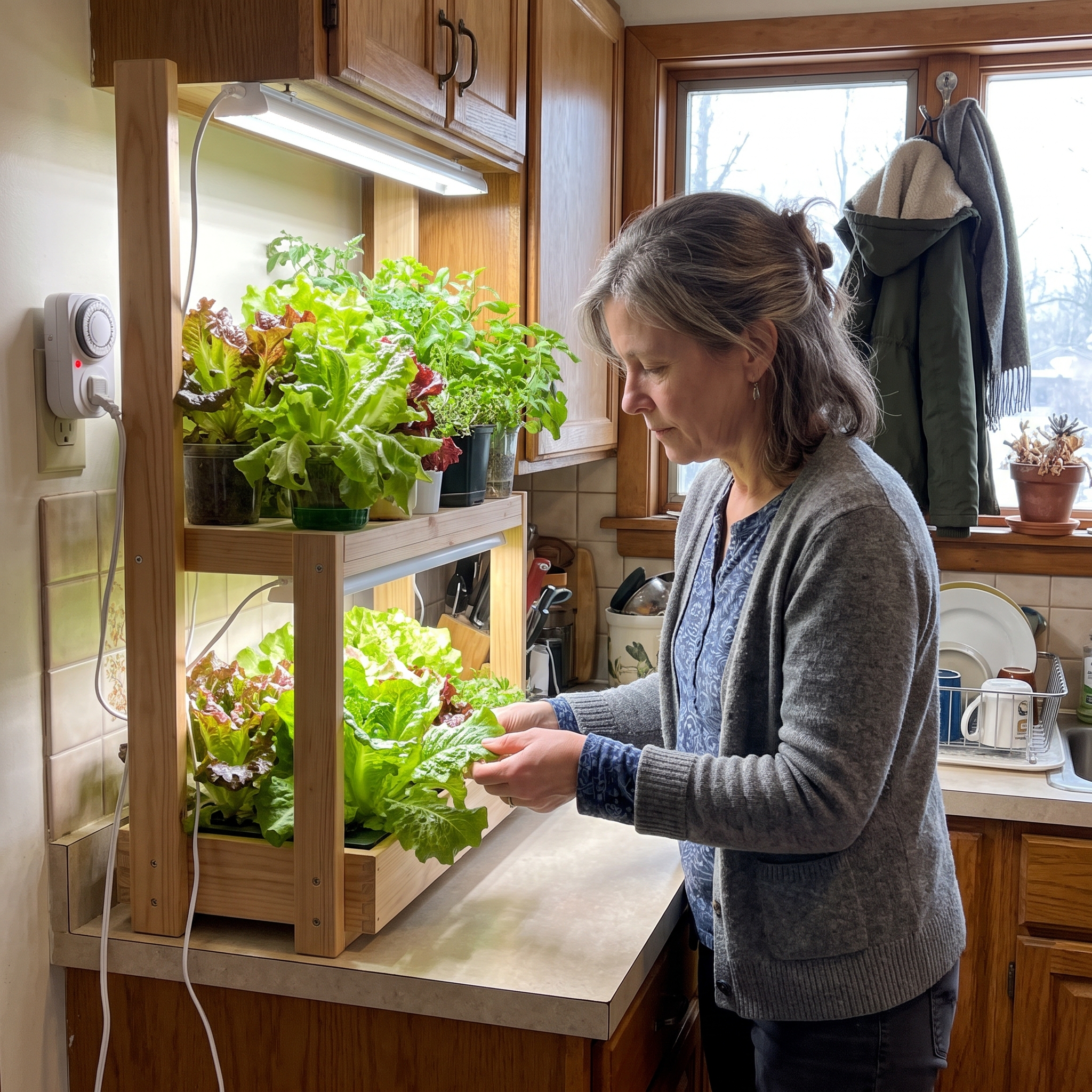
Every fresh ingredient comes from the store—until you learn to grow one yourself.
Take back a small part of the food bill. Picture steps in the COMPLETE Blueprint show you how to begin, with small-space and indoor options.
Which repeat purchase would you most like to grow? See the starting plan.
| Tap Here to See the COMPLETE Blueprint → |
Stay steady,
Sam McCoy
Self Reliance Report
P.S. When did you last look at that router label? Hit reply with “recently” or “not yet.” Pass this to the person who handles your home internet.
P.P.S. Before another takeout order, see what you could make from the food already in your kitchen. The Household Playbook includes restaurant-style meals and ways to use more of the food you buy. Click Here to Look Inside the Household Playbook →